Problem Statement
A group of passionate volunteers from an educational trust was conducting English learning sessions via WhatsApp groups for underprivileged kids and uneducated adults. However, they faced several challenges:
No structure or progress tracking
Difficult to manage multiple sessions and student groups
No way to measure learning or student engagement
Limited resources, but a strong need for scalable tools
They needed a platform that could offer a structured, easy-to-use learning system for all stakeholders—students, teachers, volunteers, and admins.
Goals & Objectives
Build a platform to replace WhatsApp-based chaos with a centralized and structured app
Enable audio-based one-on-one sessions
Track each student’s level-wise progress
Create a simple yet scalable platform accessible across devices and literacy levels
My Design Approach
As the sole designer on this project, I handled the complete design lifecycle from wireframes to UI for all versions (MVP to V3):
1. User Research & Empathy Mapping
Interacted with volunteer teachers, students, and trust admins
Mapped 4 key personas:
Admin – manages users, curriculum, audio logs
Teacher (Spoke) – runs sessions, uploads audio, tracks students
Student – completes sessions at their own pace
Volunteer – supports scheduling and evaluation
2. Information Architecture
Defined roles and permissions for each user type
Created flows for session scheduling, audio access, progress tracking, and feedback
Focused on voice-first experience to support non-literate learners
3. Wireframes & Low-Fidelity Design
Sketched initial ideas based on MVP needs
Prioritized mobile-first design, simple language, and icon-friendly UI
4. UI Design & Visual Language
Designed for accessibility with:
Large buttons
Minimal text
Color-coded levels (Beginner, Intermediate, Advanced)
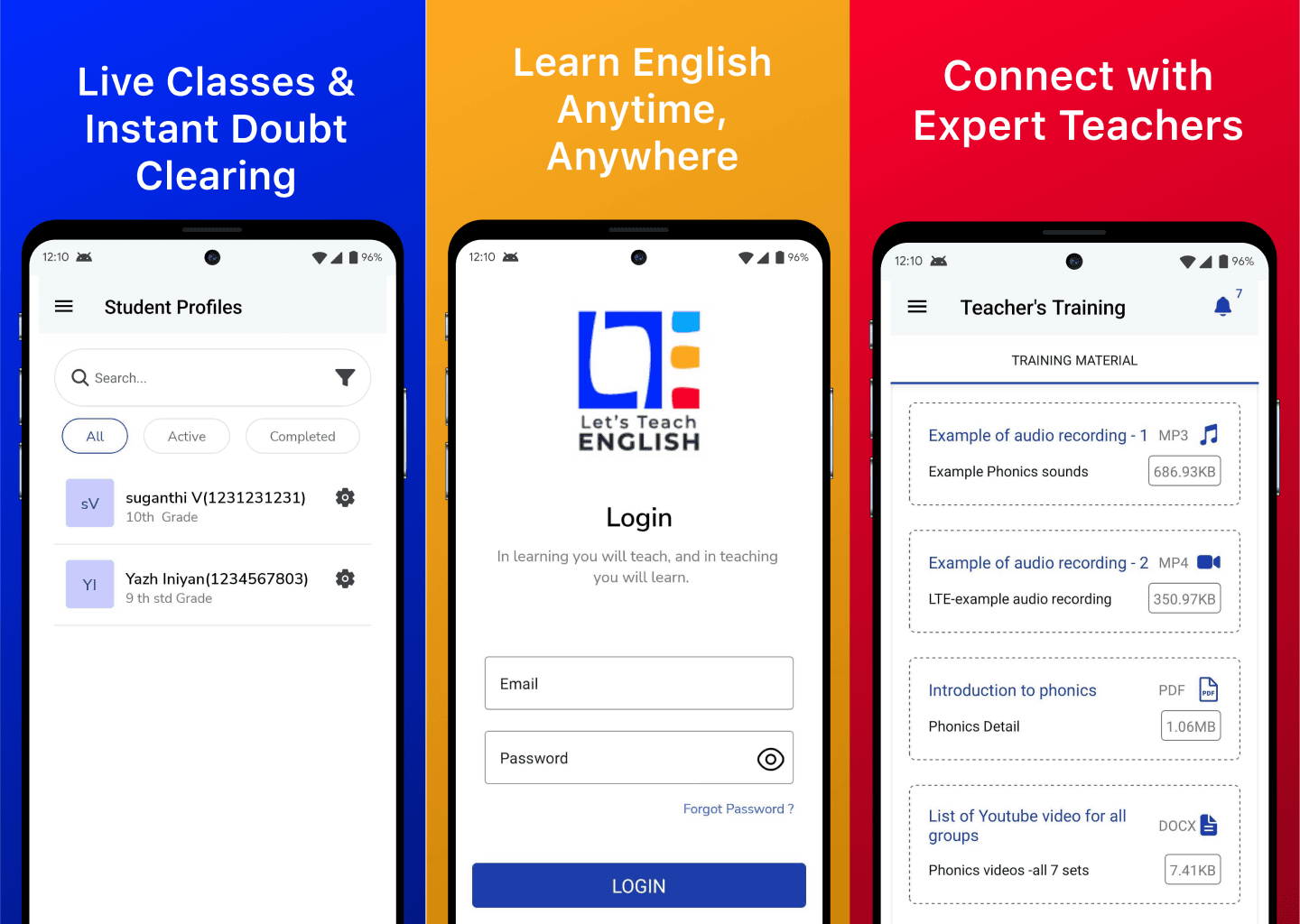
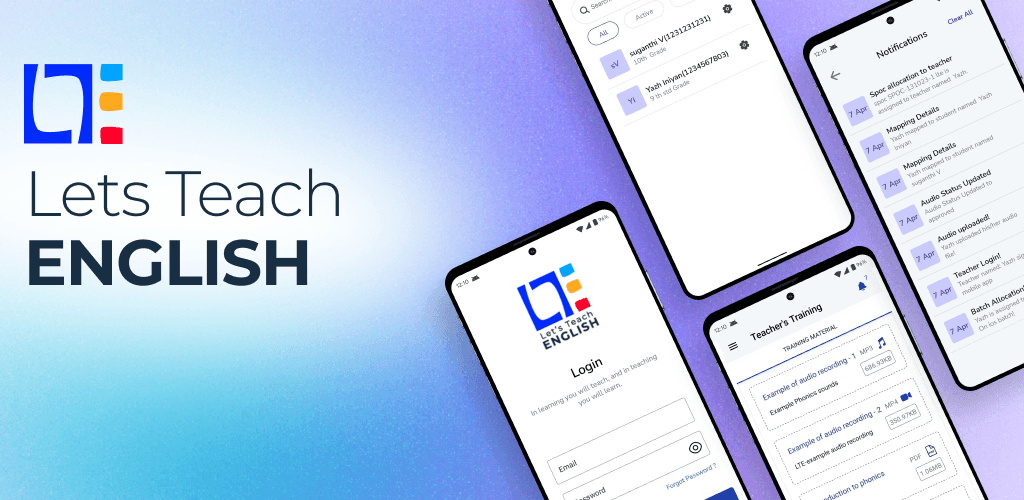
Student Dashboard showed:
Progress bar by level
Audio session history
Next lesson CTA
5. MVP to Version 3 Iterations
MVP: Basic session log, teacher-student pairing, audio upload
V1: Progress tracker, level system, admin panel
V2: Real-time session notifications, student feedback
V3: Cross-platform UI consistency, session archive, and learning analytics
Key Features
One-on-one audio-based English sessions
Structured levels with checkpoints
Track progress per student
Replay past audio lessons anytime
Admin dashboard for role management and performance insights
Support for both web and mobile platforms
Results & Impact
Reached 65+ students with measurable learning outcomes
Volunteer teachers found the system organized and motivating
Reduced dropout by introducing visual progress and lesson reminders
Created a sustainable structure for trust-run education programs
Recognized by the NGO community for low-cost, scalable edtech design
What I Learned
Designing for low-literacy and diverse age groups requires empathy driven UX
Simplicity beats sophistication when accessibility is key
Being the sole designer taught me how to work independently, iterate fast, and listen closely to real user feedback
Small projects can create a big social impact when designed with heart